Sample Projects>DMR Template Tab
With the Add Sample Project form open in the DMR Template Tab
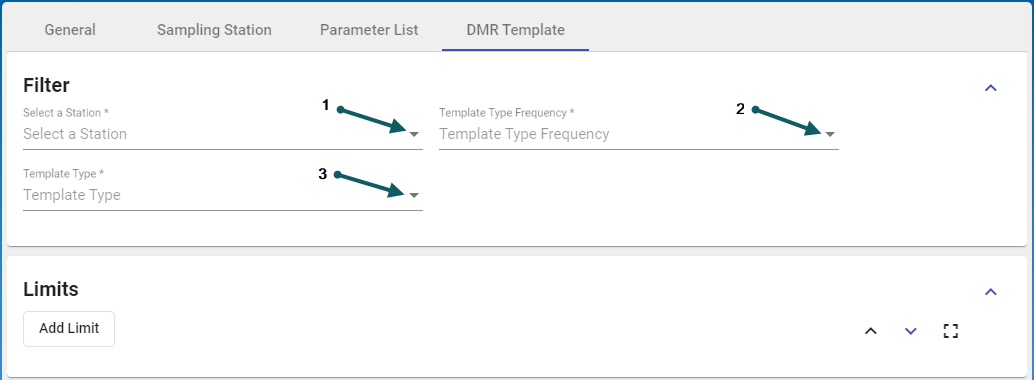
- Click the down arrow (1) and select the sample station - mandatory field
- Click the down arrow (2) and select the Template Type Frequency - mandatory field
- Click the down arrow (3) and select the Template Type - mandatory field
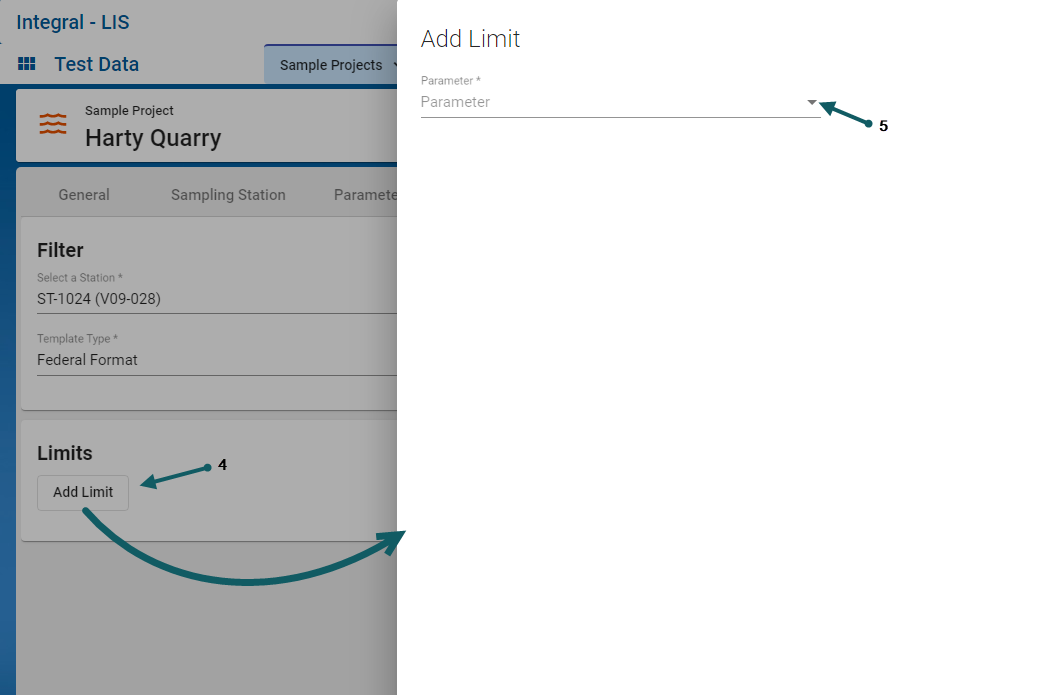
- Add DMR Template Limits by clicking the Add limit button (4). The upper and lower limits for each parameter can be reviewed here : Parameter List Tab.
- Click the down arrow (5) and select a limit parameter
- Finally, click save and exit to continue

