Table of Contents
Programs>General Tab
Create a New Program
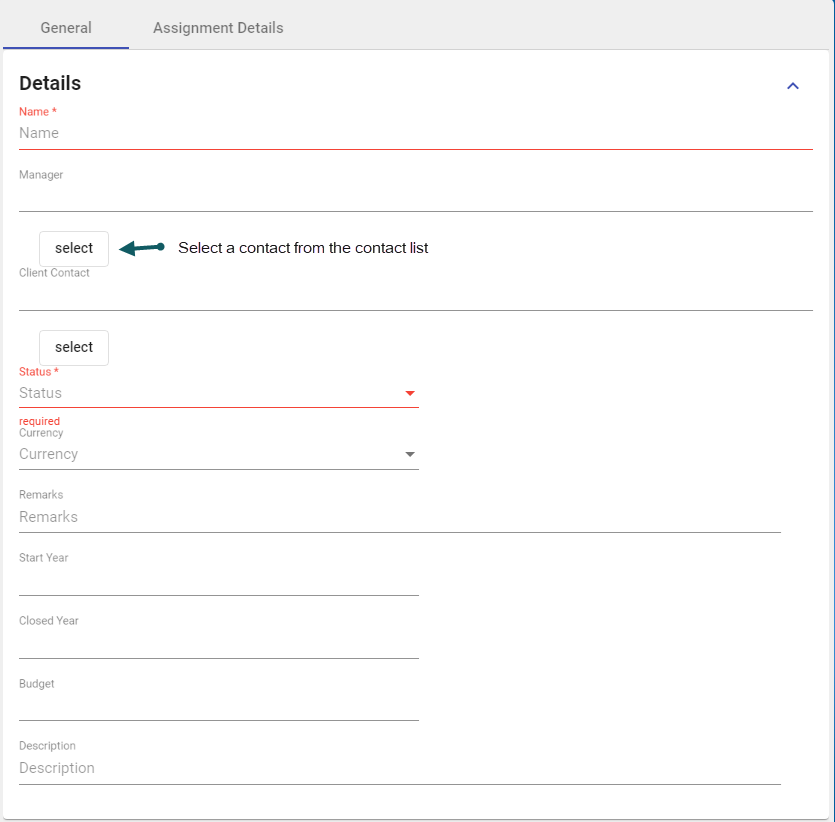
- With the Add Program form open and in the General Tab > Details section, enter relevant details:
Note: Red-highlighted sections are mandatory.
- In the General Tab > Account Number section, enter any relevant details. Click Add Account Number (1) to add a new account number (2). Click the trash can (3) to remove an account number.

- In the General Tab > Security section, enter relevant details. Click the clearance level (1) to set the security and select the business unit (2)

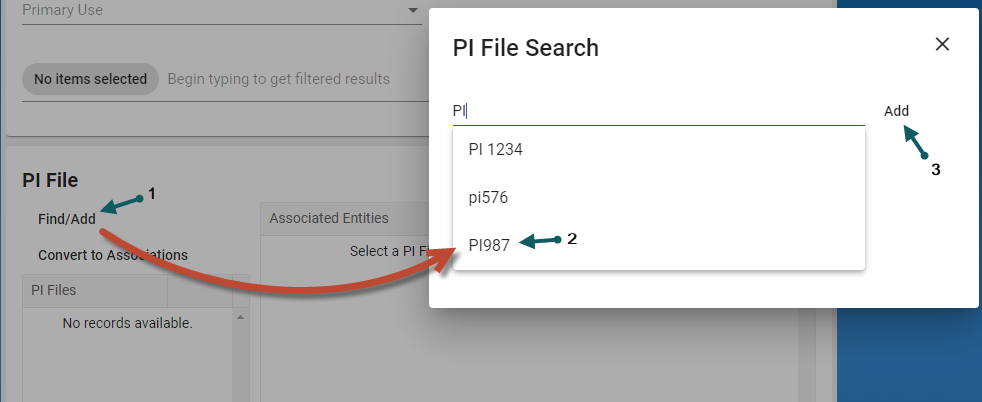
- In the General Tab > PI File section,
Add a PI File by clicking the Find/Add (1) button. Select a PI File (2), then select Add (3)


Edit a Program
- With the Program form open and in the General Tab > Details section, select the Edit button (1).
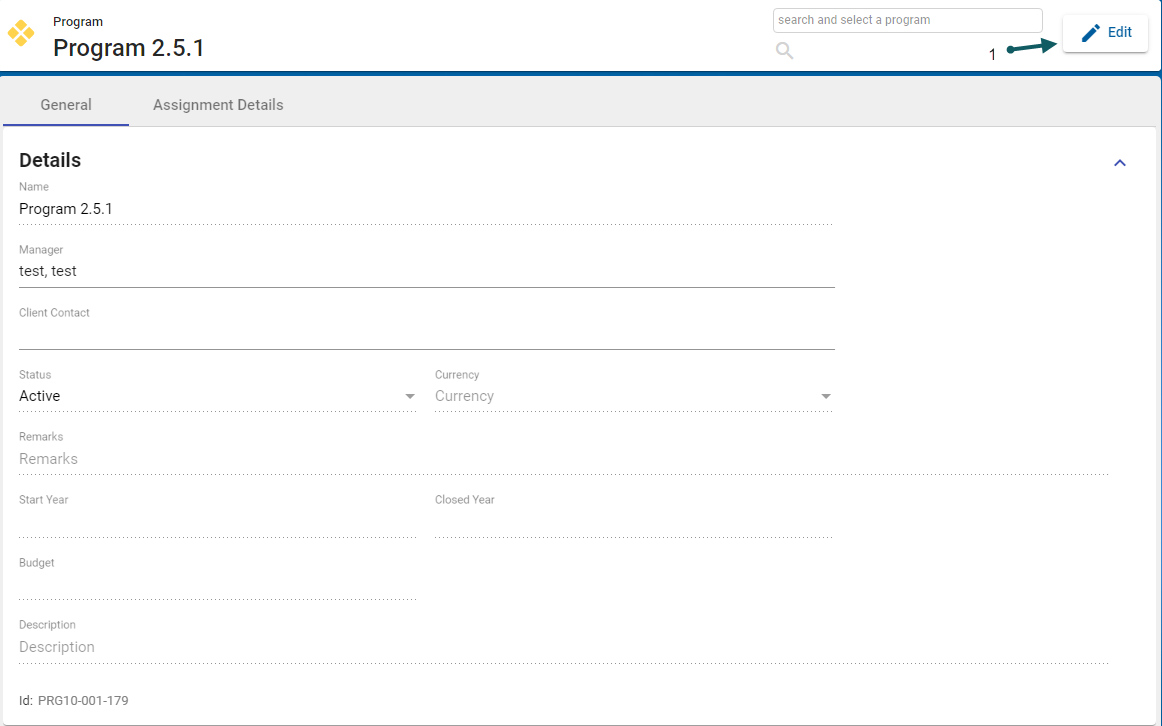
- Update the fields to be changed (2) and when finished, changes can either be saved, cancelled or the record can be archived (3)


