Land Interest>General Tab
Create a New Land Interest
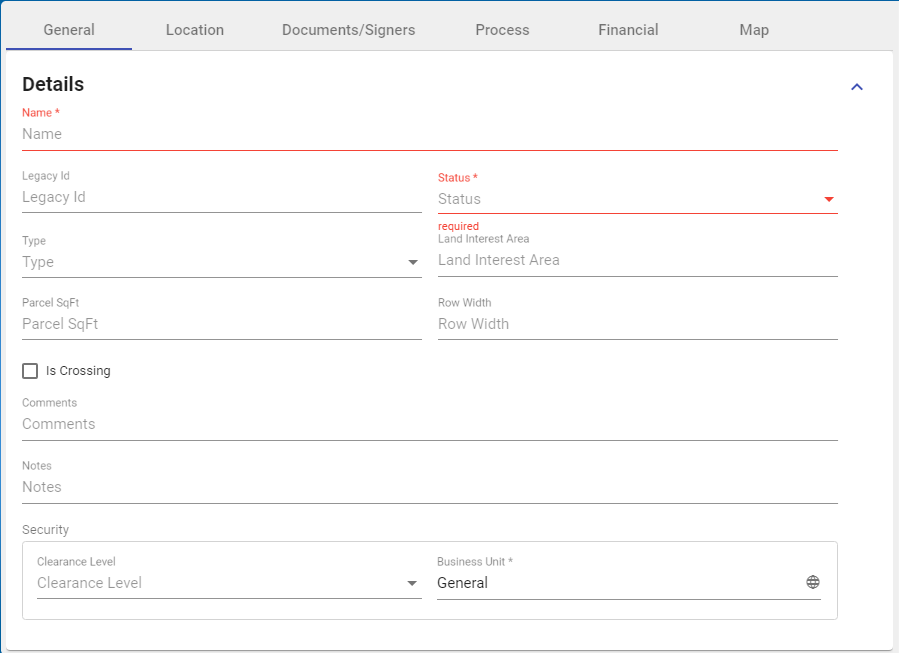
- With the Add Land Interest form open and in the General Tab > Details section, enter relevant details.
Note: Red-highlighted sections are mandatory.
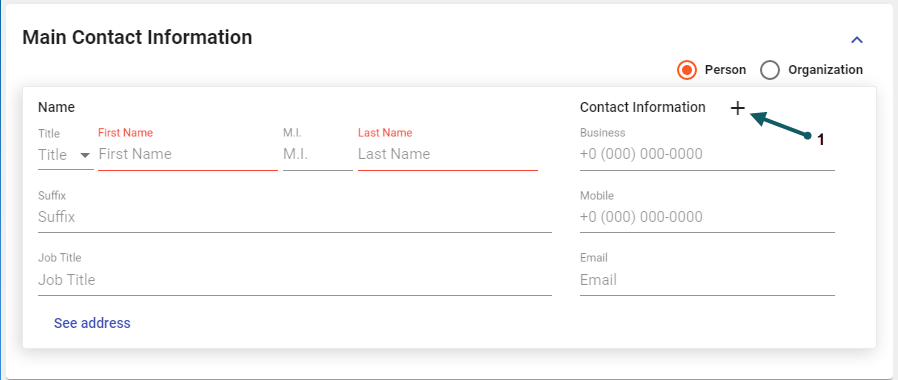
- In the General Tab > Main Contact section, enter any relevant details. Add contact information by clicking the + sign (1) as shown
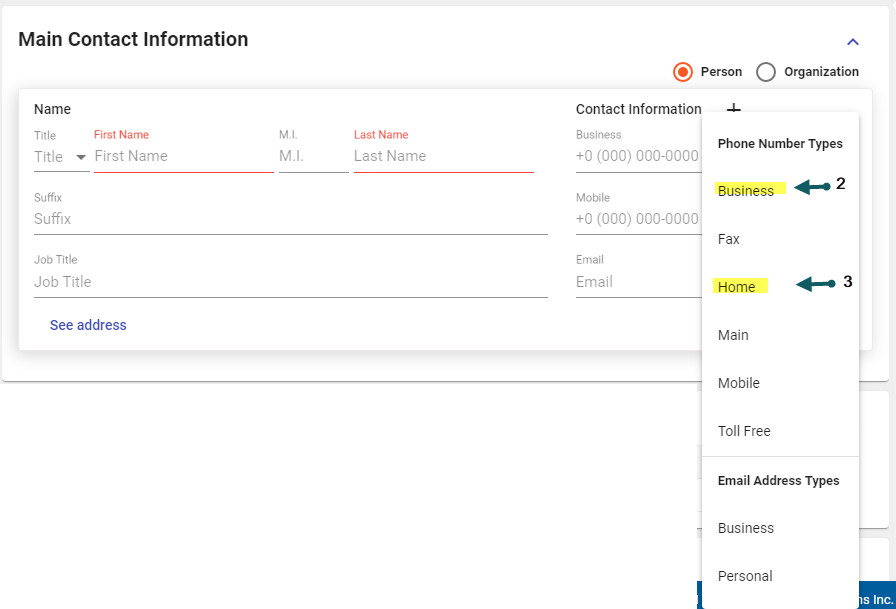
A pop-out selector allows selection of additional Phone and email contact type fields. For example, selecting Business (2) and Home (3)
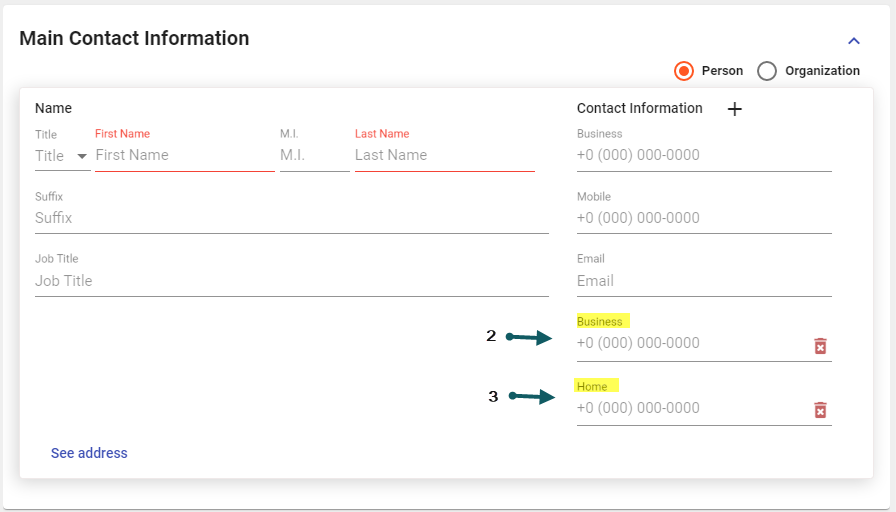
Results in Business (2) and Home (3) fields appearing