Columns
Add a column to a Form/Section
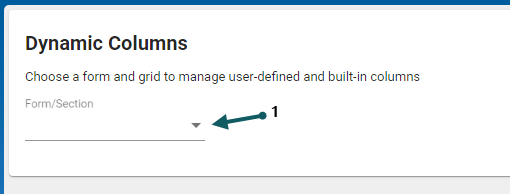
- In the Columns form, Select the Form/Section (1) from the drop-down, then click the corresponding type (2)
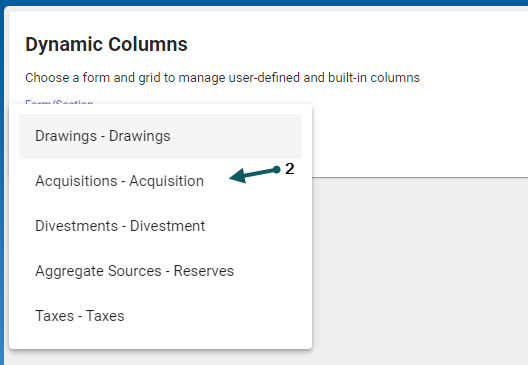
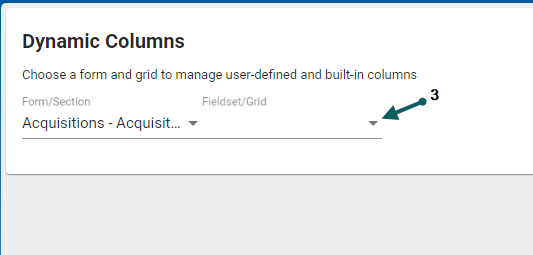
- Then select the Fieldset/Grid drop-down entry
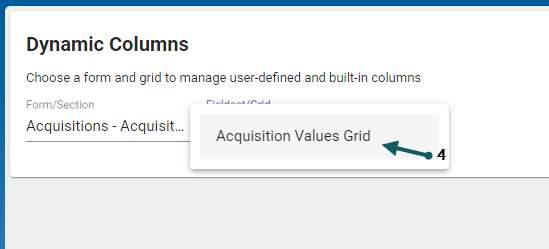
- Then select the corresponding Grid
- Ensure that the User-defined columns tab is selected
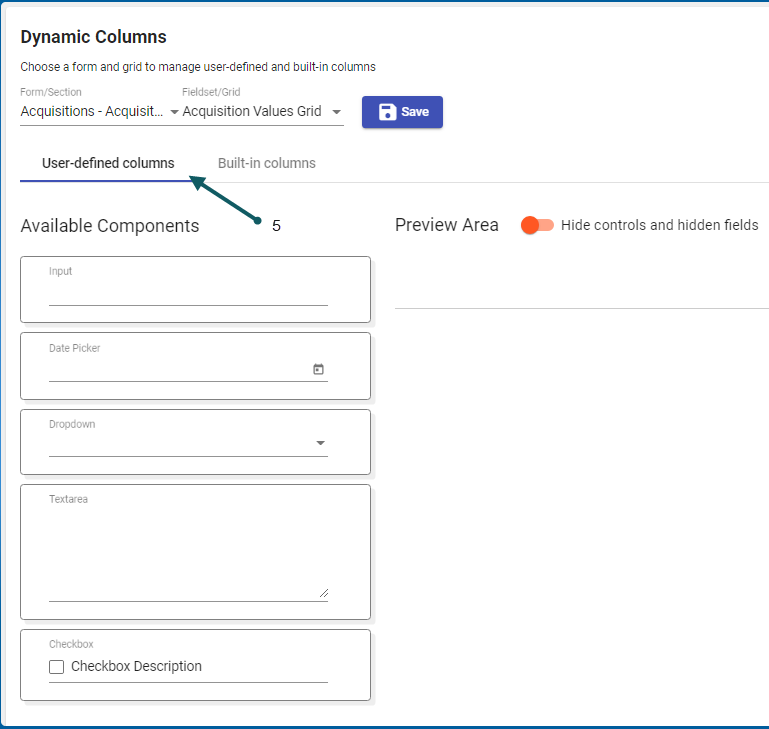
- Then enter the details for the new dynamic column
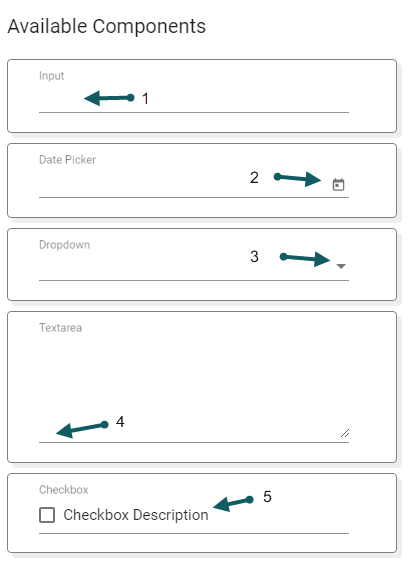
- Type the input text
- Select a date
- Select from the drop-down
- Enter description text
- Select the checkbox to show the description text


- Verify the Built-In columns
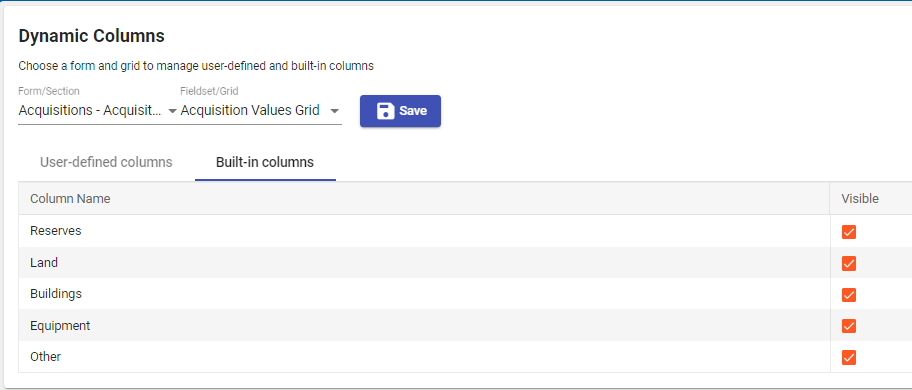
- Click Save to save and exit
