Table of Contents
Assignment>General Tab
Create a New Assignment
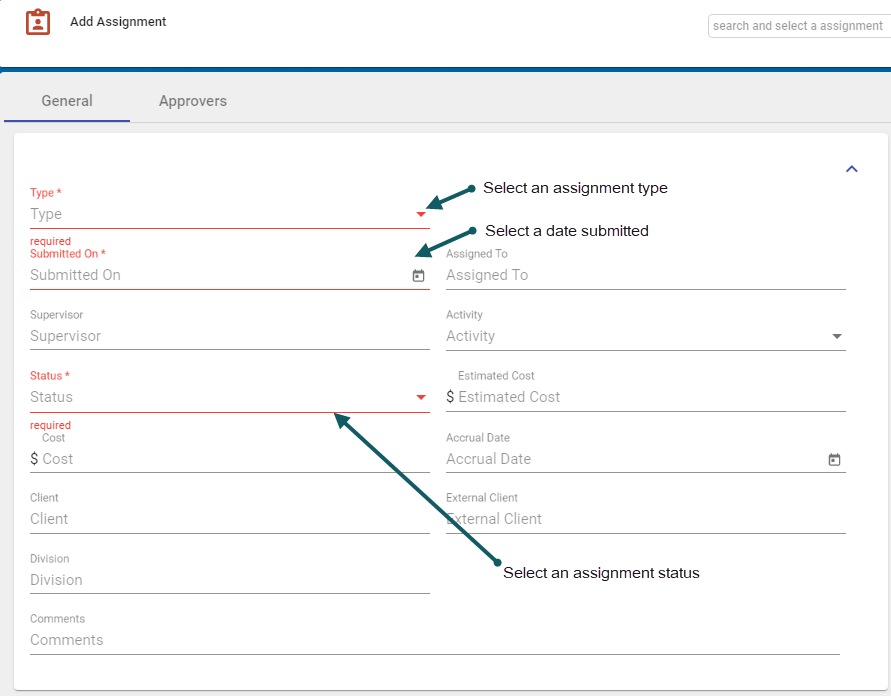
- With the Add Assignment form open and in the General Tab > Details section, enter relevant details.
Note: Red-highlighted sections are mandatory.
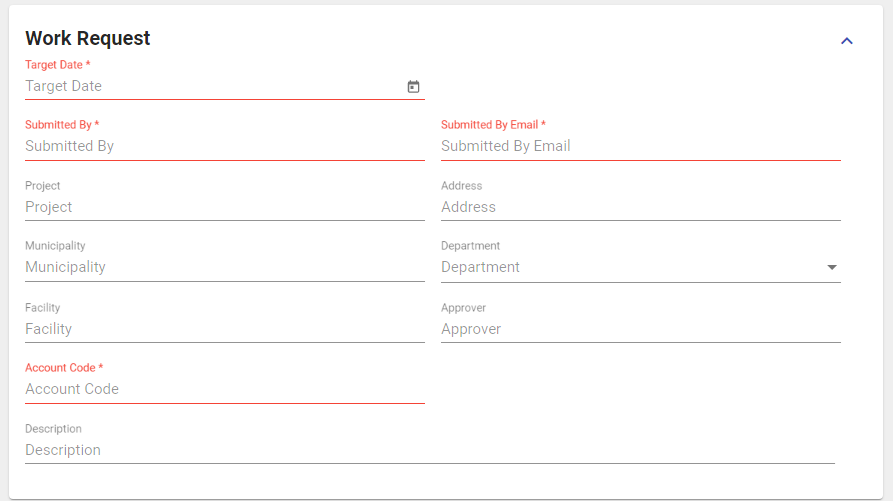
- In the General Tab > Work Request section, enter any relevant details.
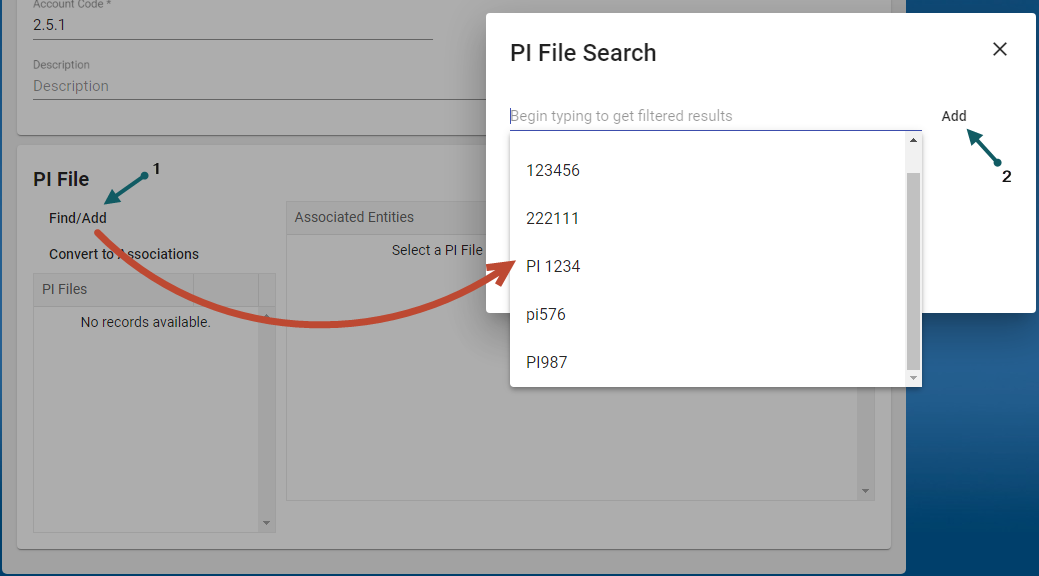
- In the General Tab > PI section, enter any relevant details.
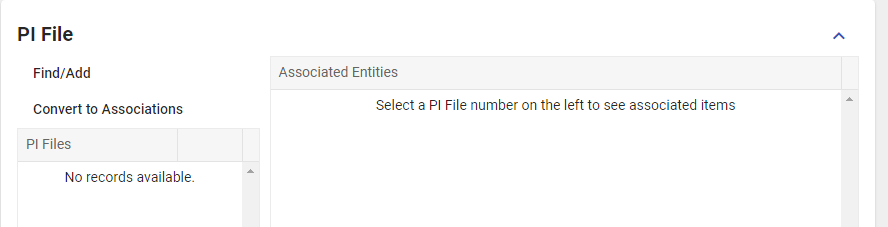
Click Find/Add (1), select a PI file and click Add (2)


Edit an Assignment
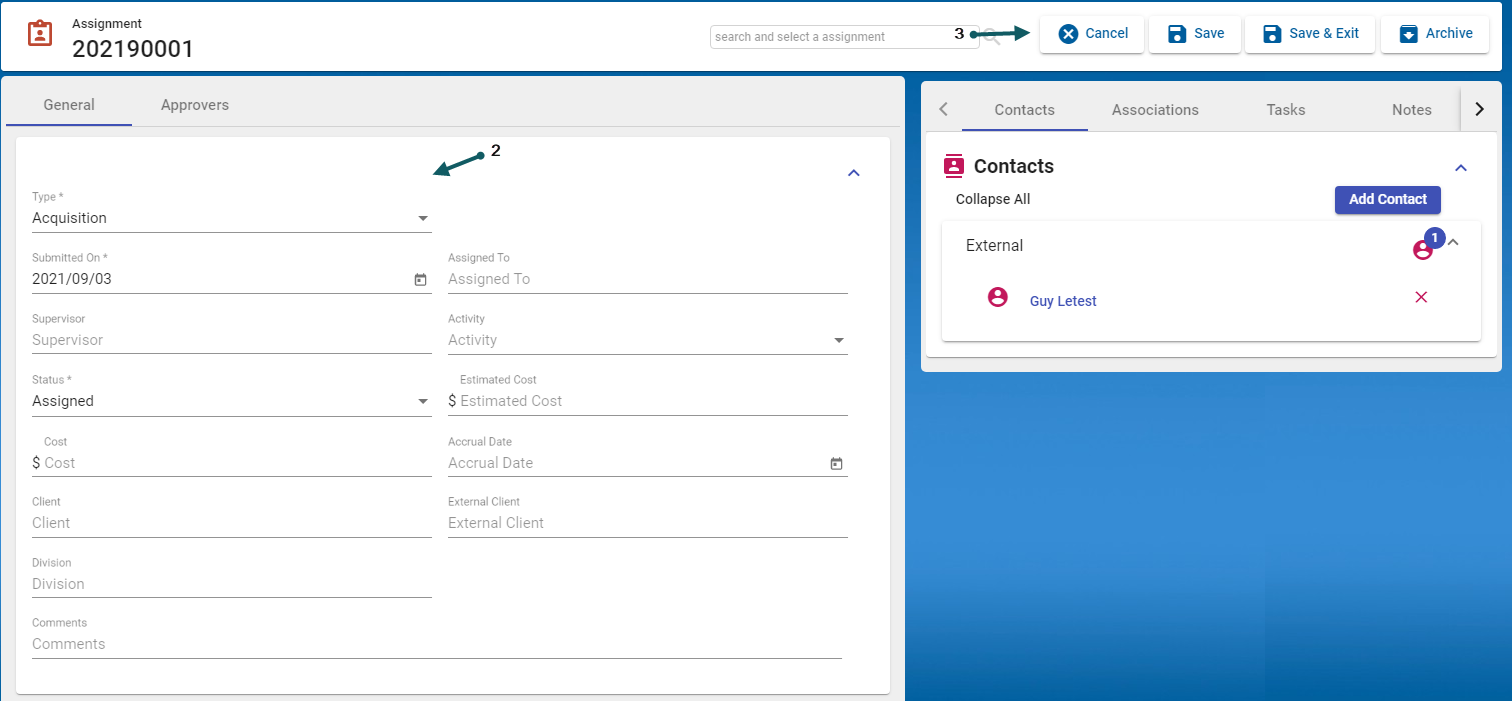
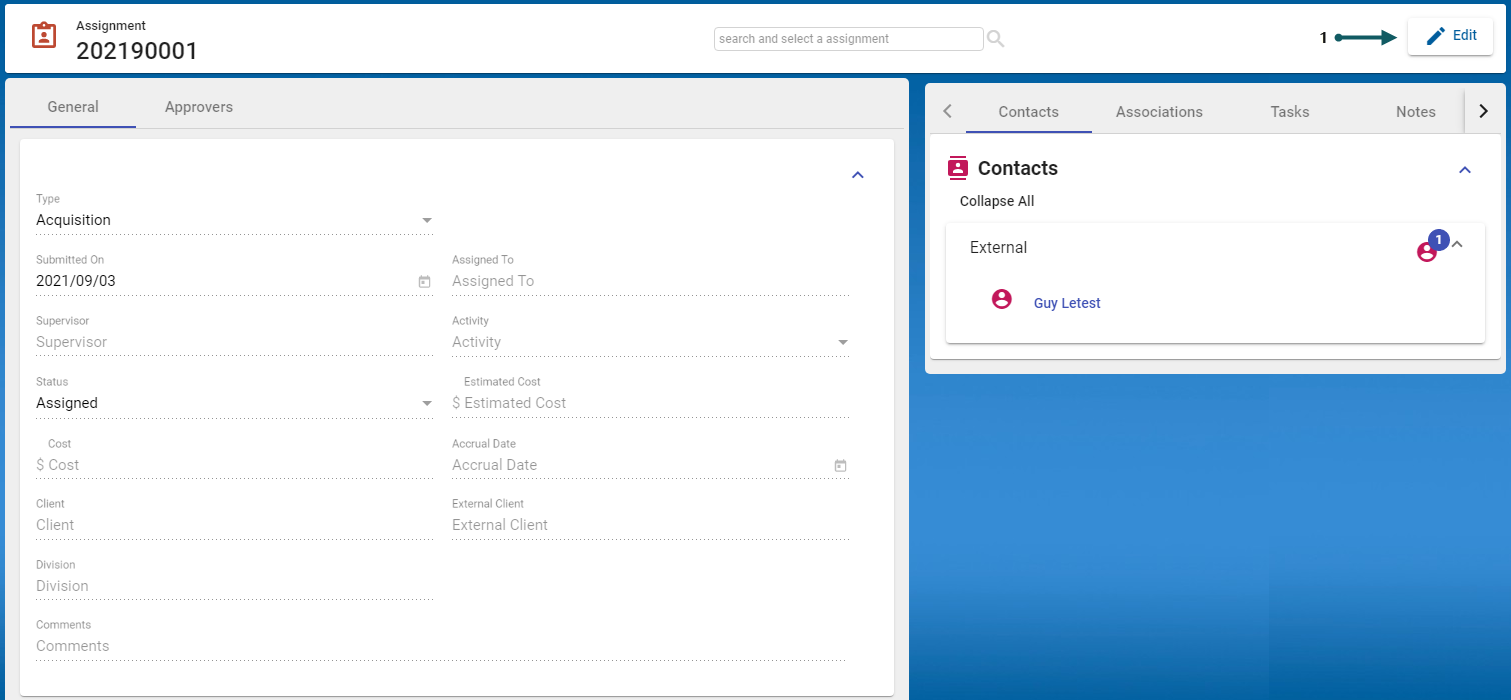
- With the Add Assignment form open and in the General Tab > Details section, select the Edit button (1).
- Update the fields that should be changed (2) and when finished, changes can either be saved, cancelled or the record can be archived (3)