Table of Contents
Documents
The purpose of the Documents module is to manage documents in the Integral LIS system.
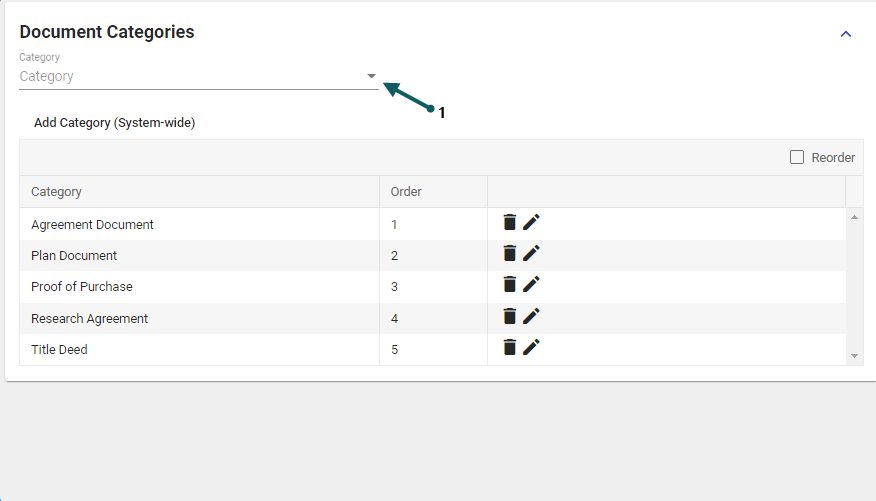
List Documents by Category Type
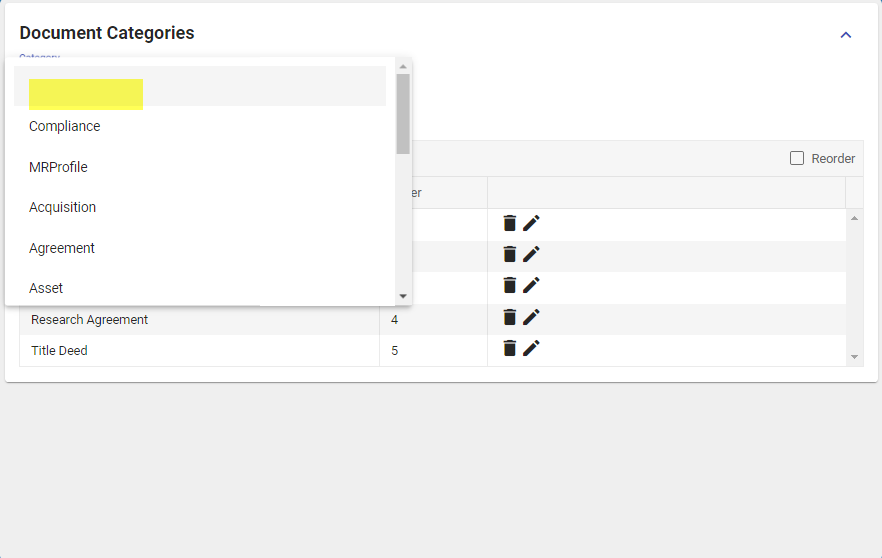
- A list of document categories already defined can be displayed by selecting one of the category types (1). Note, document categories can be defined for the undefined (blank) category types.


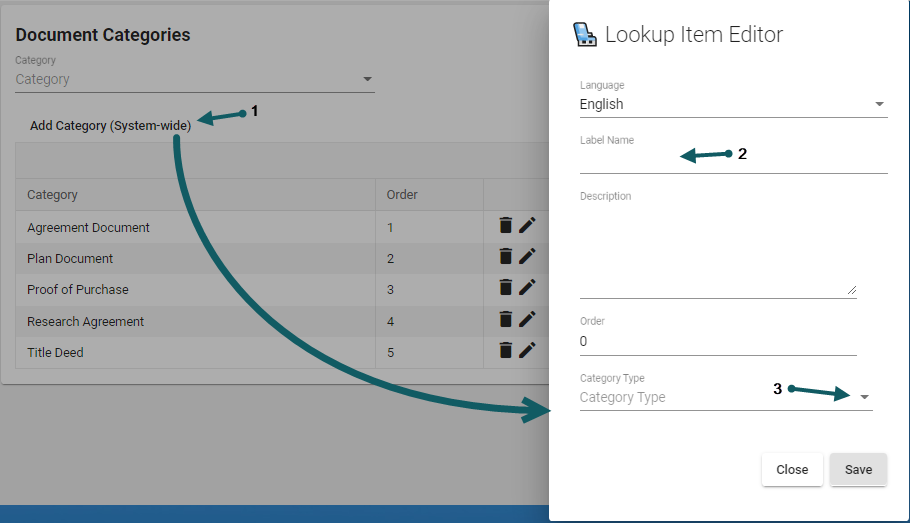
Add a Document Category
- A new document category can be created by selecting Add Category (1), then entering a label name (2) for the new document category, also a category type is selected using the drop-down (3)

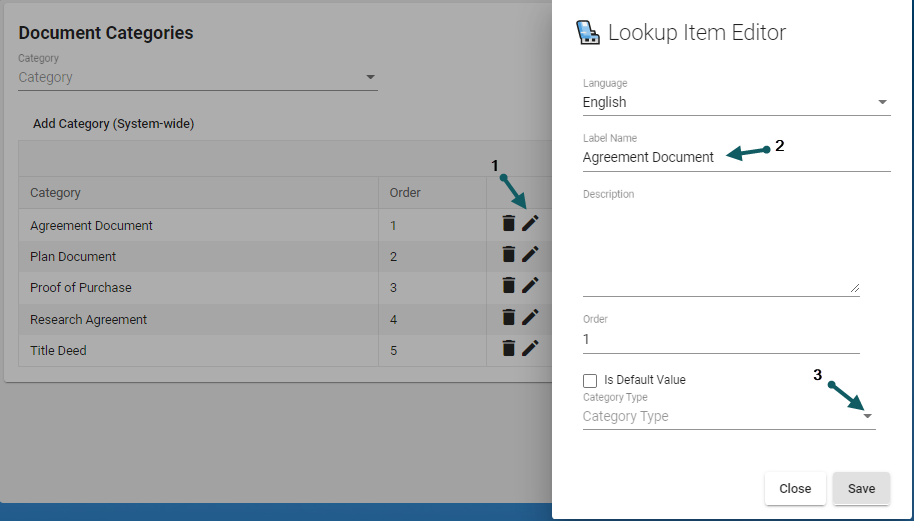
Edit a Document Category
- A document category can be edited by selecting pencil icon (1). Make edits to the document category details (2). Select an new category type (3) from the drop-down